

If you’ve ever dropped a custom model into Source Filmmaker and watched it show up as a purple-and-black checkerboard, you already know why SFM compile matters. Raw 3D files don’t just work inside SFM. They need to be converted into a format the Source Engine actually understands, and that conversion process is what creators mean when they talk about SFM compile.
This guide walks you through the entire process step by step. You’ll learn the tools you need, how to write a working QC file, how to run the compiler correctly, and how to fix the errors that trip up almost every beginner. By the end, you’ll be able to compile your own models with confidence instead of guessing.
Understanding SFM Compile
SFM compile is the process of converting raw 3D assets, like meshes exported from Blender or Maya, into the MDL format that Source Filmmaker can load. A compiled model isn’t a single file. It’s a small bundle of linked files, including the MDL, VVD, and VTX, that together tell the engine how to draw, animate, and collide with your model.
Without this step, your model simply won’t appear in a scene, or it will load broken with missing textures and no animations. Compiling is manual in SFM, unlike engines such as Unity or Unreal where importing an asset happens automatically in the background. That manual control is part of what makes SFM compiler intimidating at first, but it’s also what gives experienced creators precise control over how their assets behave.
Vital Software for SFM Compile
A complete SFM compile setup only needs a handful of free tools. Here’s the baseline toolkit every creator relies on:
| Tool | Purpose | Cost |
| Studiomdl.exe | Official Valve compiler that converts SMD/DMX files into MDL | Free (bundled with SFM) |
| Crowbar | GUI wrapper for studiomdl with visible logs and batch compiling | Free |
| Blender | 3D modeling and Source Engine export plugin support | Free |
| VTFEdit | Converts image files into VTF textures and builds VMT materials | Free |
| Notepad++ | Writing and editing QC scripts with syntax highlighting | Free |
Each tool plays a different role in the SFM compile pipeline, and skipping one usually means getting stuck somewhere in the process.
Studiomdl Command Line Utility
Studiomdl.exe is the actual compiler behind every SFM compile. It lives in the bin folder of your Source Filmmaker installation and reads instructions directly from your QC file. Because it runs from the command line, it gives detailed error output, but the window can close instantly on failure, which makes debugging harder for newcomers.
Crowbar Compilation Tools
Crowbar wraps studiomdl in a graphical interface that keeps the compile log visible the entire time. Most beginners start their SFM compile journey here because it removes the guesswork of command-line syntax and lets you batch-compile several models at once.
3D Creation Software
Blender is the most common modeling program used before an SFM compile, mainly because of its free Source Engine export plugins. Paid programs like Maya and 3ds Max also work well and are common among professional animators who need more advanced rigging tools.
Text Editor Needs
QC files are plain text, so any text editor works, but Notepad++ is the community favorite for SFM compile work. Line numbering and syntax highlighting make it much faster to spot the typo or broken path that’s usually behind a failed compile.
Click Here To Read More…
SFM Compile Process Steps
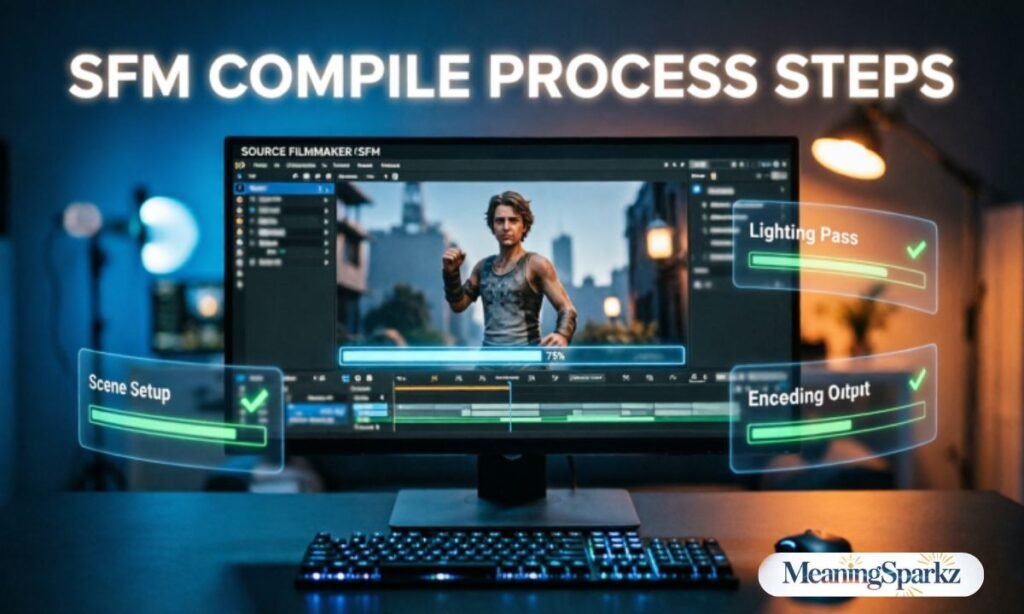
Every SFM compile follows roughly the same sequence, regardless of which tools you use:
- Prepare your assets in your 3D software.
- Export meshes as SMD or DMX files.
- Write a QC file describing the model.
- Run the compiler through studiomdl or Crowbar.
- Verify the result in HLMV or directly inside SFM.
Asset Preparation
Before touching the compiler, clean up your model in Blender or Maya. Keep polygon counts reasonable, ideally under 60,000 triangles for a single prop, and make sure your reference mesh, physics mesh, and at least one animation sequence are ready. Even static props need a basic idle sequence to register correctly during SFM compile.
Creating QC Files
The QC file is the instruction sheet for the entire SFM compile process. It tells studiomdl where to find your mesh, how to map textures, and which animations to bundle in. A basic QC includes directives like these:
| Directive | Function |
| $modelname | Sets the output path and filename for the compiled MDL |
| $body | Points to the main reference mesh SMD |
| $cdmaterials | Defines the folder where textures are located |
| $sequence | Adds an animation or idle pose |
| $collisionmodel | Links the physics mesh used for collisions |
Save the file with a .qc extension in the same folder as your SMD files, and keep the folder path short with no spaces or special characters. Long or unusual paths are a common reason an SFM compile fails before it even starts.
Running Compiler Operations
Once the QC file is ready, you have two options for running the actual SFM compile. Using studiomdl through Command Prompt gives you raw, detailed logs but requires exact syntax. Using Crowbar means opening the Compile tab, browsing to your QC file, setting the game directory to your SFM usermod path, and clicking Compile.
| Method | Best For | Learning Curve |
| Studiomdl (command line) | Advanced control, ambiguous errors | Steeper |
| Crowbar (GUI) | Beginners, batch jobs, quick fixes | Gentle |
A successful SFM compile ends with a confirmation message and produces MDL, VVD, and VTX files in your output folder.
Result Verification
Never skip verification. Load the finished model in the Half-Life Model Viewer (HLMV) first to check textures and bone movement in isolation. Then open Source Filmmaker, refresh the asset browser, and drag the model into a scene to confirm it appears, animates, and textures correctly.
SFM Compile at a Glance
To summarize the core idea: SFM compile takes raw geometry, skeleton data, and textures, and packages them through a QC script and studiomdl into the MDL format Source Filmmaker actually reads. Every step above, from asset prep to verification, exists to make that conversion clean and error-free.
What Are the Right Practices for SFM Compile?
Good habits save hours of troubleshooting down the line. Keep these in mind for every SFM compile project:
- Use short, simple folder paths with no spaces or special characters.
- Comment your QC files generously so errors are easier to trace.
- Keep models, materials, and QC scripts in separate, clearly labeled folders.
- Test each model in HLMV before loading it into a full SFM scene.
- Back up your source files before making major edits.
- Start with a simple static prop before attempting rigged characters.
Common Errors of SFM Compile
Most SFM compile failures come down to a small set of recurring issues:
| Error | Likely Cause | Fix |
| Purple-and-black checkerboard | Missing or mismatched texture path | Verify $cdmaterials matches your VMT/VTF folder |
| Model missing from SFM browser | Wrong $modelname path or files not copied to usermod | Recheck output path and refresh the asset browser |
| Compile window closes instantly | Running studiomdl by double-click instead of terminal | Run studiomdl through Command Prompt to see the log |
| Distorted mesh or broken bones | Skeleton mismatch between SMD and sequence files | Confirm bone names match exactly across all SMDs |
| Compile hangs indefinitely | Recursive $includemodel or bad $sequence blend | Kill the process and review the QC for loops |
Reading the compile log carefully almost always points straight to the broken line in your QC file.
Sophisticated SFM Compile Techniques
Once you’re comfortable with basic props, you can push your SFM compile workflow further:
- Level of Detail (LOD) staging swaps in lower-poly versions of a model at a distance to improve performance.
- Facial flex definitions add expression control for character animation.
- Custom shader assignments change how surfaces respond to lighting in a scene.
- Batch compilation scripts process multiple QC files automatically instead of one at a time.
- Python automation can generate repetitive QC content across large asset libraries.
These techniques assume some scripting comfort, so it’s worth mastering the basic SFM compile process first before layering on automation.
SFM Compile Workflow for Beginners: Where to Start?
If the whole process still feels overwhelming, break your first SFM compile into small, manageable stages instead of trying to learn everything at once.
Begin a Straightforward and Low-Polygon Model
Pick a simple static prop rather than a fully rigged character for your first attempt. A single texture and low polygon count means fewer places for something to go wrong during your first SFM compile.
First, Install and Organize Your Tools
Install studiomdl (bundled with SFM), Crowbar, Blender, VTFEdit, and Notepad++ before opening any modeling software. Set up a dedicated workspace folder with separate subfolders for models, textures, and QC files.
Manually Create One QC File
Write your first QC file by hand instead of copying a template blindly. Understanding each directive, from $modelname to $cdmaterials, makes future SFM compile projects far easier to troubleshoot.
Compile, Test, and Repeat
Run your first SFM compile, check the log, fix any errors, and compile again. This cycle of compile, test, and repeat is the fastest way to build real familiarity with the process.
Utilize Decompiled Models as Reference
Tools like Crowbar can decompile existing Source Engine models back into editable SMD and QC files. Studying how professionally made models are structured gives you a real-world reference for your own SFM compile scripts.
Frequently Asked Questions
What does SFM compile mean?
It’s the process of converting raw 3D assets into the MDL format Source Filmmaker can load and display.
Do I need studiomdl if I already have Crowbar?
Not always, but keeping both is useful since studiomdl’s raw logs can clarify errors Crowbar reports vaguely.
Why does my model show a purple-and-black checkerboard?
This almost always means the texture path in your QC file doesn’t match your actual material folder.
Can Mac or Linux users run an SFM compile?
Studiomdl is Windows-only natively, but compilation is possible on other platforms using compatibility workarounds.
Conclusion
SFM compile can feel like a wall of command-line text and cryptic errors the first time you attempt it, but the process is really just a handful of repeatable steps: prepare your assets, write a clean QC file, run the compiler, and verify the result.
Start small with a low-polygon prop, lean on Crowbar while you’re learning, and read every compile log carefully when something breaks. Once the basics click, techniques like LOD staging, facial flexes, and batch compilation open up a much wider range of creative possibilities.
