

Traditional English grammar learning relies on textbooks and text-based explanations, making the process feel abstract and tedious. Students generally prefer video-based learning that incorporates animations, voiceovers, or on-screen instructors.
However, for English teachers and educational content teams, producing a single grammar video can be incredibly time-consuming. Using a live instructor adds another layer of complexity and cost, from arranging studio space to hiring presenters and video editors. For independent teachers, a straightforward teaching task can easily balloon into a cumbersome, labor-intensive video production project.
Vidnoz AI offers a simpler solution for transforming grammar lessons into instructional videos. As an AI video creation platform, it allows teachers to produce videos with features such as AI avatars, templates, and AI voiceovers—no need for traditional filming. With the right workflow, a grammar lesson that might otherwise take days to produce can be turned into a video in just over ten minutes.
This guide provides a detailed, step-by-step walkthrough for using Vidnoz AI to create English grammar learning videos.
Why Use Vidnoz AI to Make Grammar Learning Videos?
First of all, it is difficult to clearly explain grammar through text alone; videos can help students understand it better from a visual perspective. Using Vidnoz AI can remove the obstacles that slow down the entire video production process and waste your time and budget. Cameras, actors, editors, and studio time all limit how much content one person can make.
Vidnoz AI replaces those obstacles with AI avatars, AI voices, and ready-made templates. Only a single person with a decent script can produce dozens of videos in a limited time and budget. The time it once took to film only one video is now reduced. Teachers can also save more time to refine their teaching content.
How Vidnoz AI Helps Create Grammar Learning Videos
Here are the details of the key features that Vidnoz AI helps to make learning Videos.
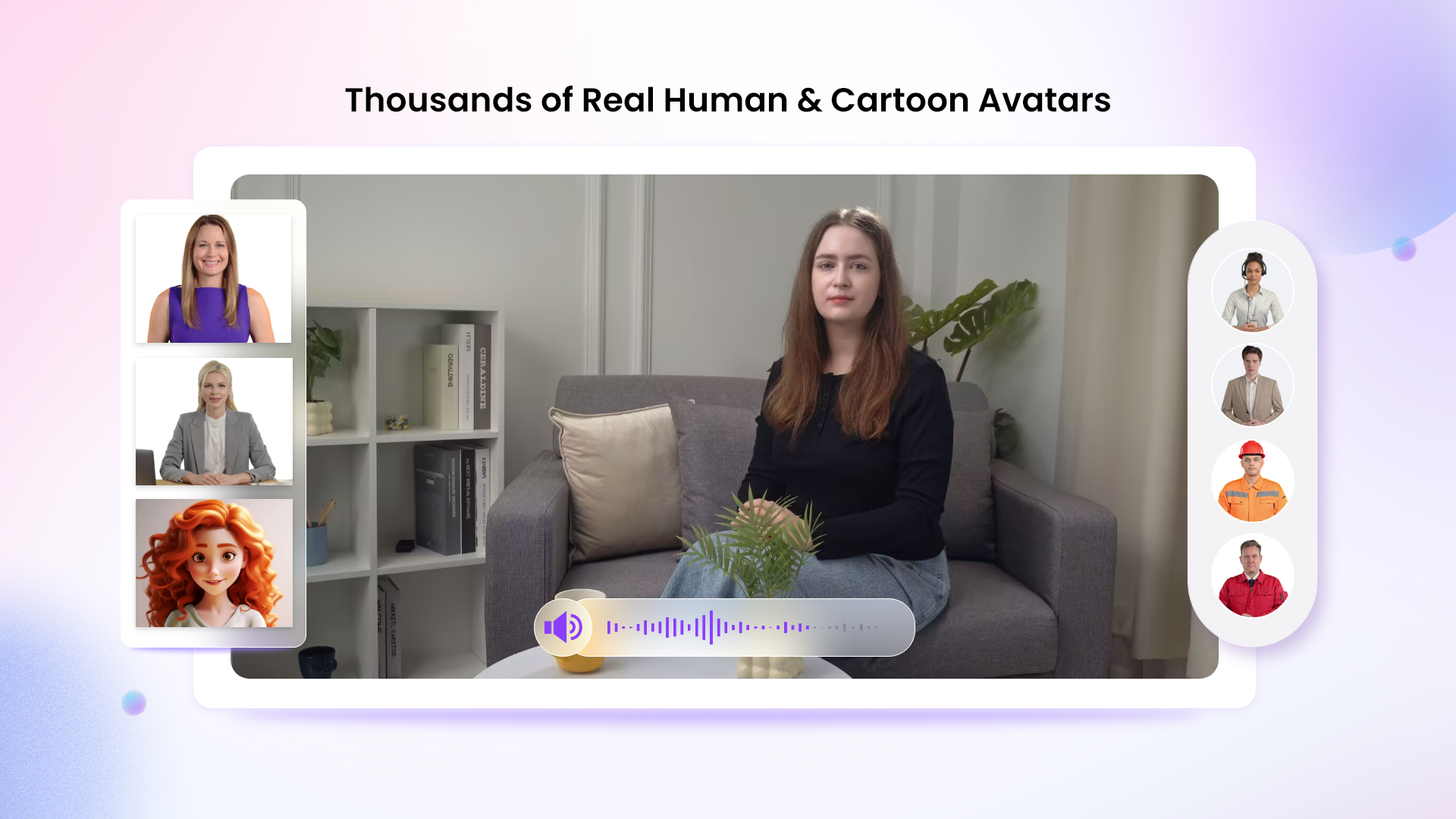
1900+ Lifelike AI Avatars
Vidnoz AI offers a full range of over 1900 realistic avatars. All these avatars are drawn from real people of different industries and backgrounds. You can find a formal presenter, a casual host, or a technical expert instantly.
You can also customize your avatar for yourself or your business. You can build a digital twin that looks exactly like you. You can use an expressive avatar with natural gestures or a product avatar that showcases your items. This variety lets one small team cover every campaign without hiring new talent.
For education content teams, this flexibility also works well for English grammar lessons. A team can use different avatars for different types of lessons.
2000+ Lip Sync AI Voices
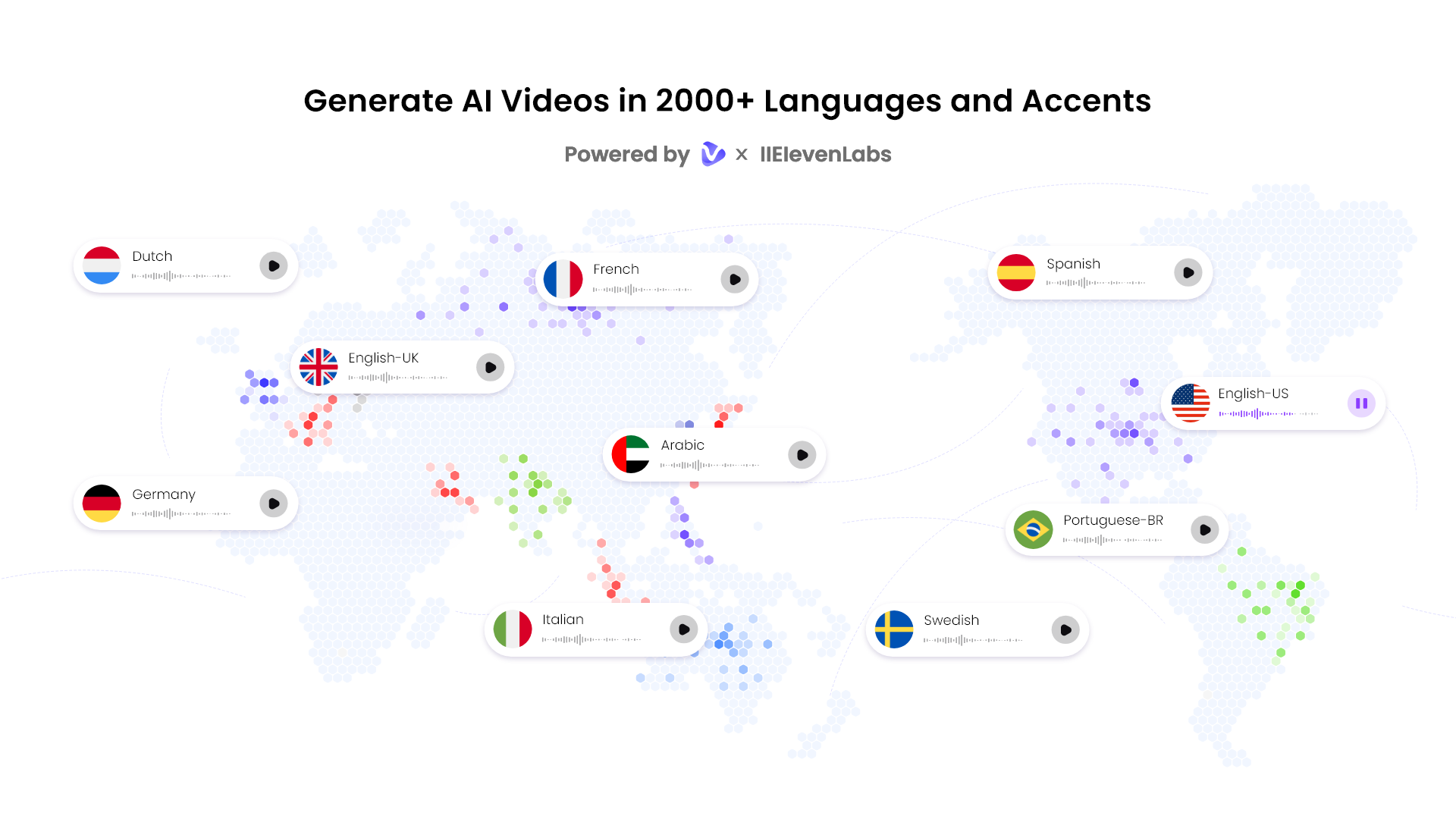
Sound quality is crucial for achieving the trust of the viewers. Vidnoz AI provides 2000+ natural-sounding voices across 140+ languages, powered by ElevenLabs, Microsoft, and Google technology.
Lip sync tech matches each voice to the avatar's mouth movements automatically. Global teams can localize content fast, which multiplies reach without multiplying production time.
For grammar-learning videos, voice selection can be particularly useful because pronunciation and listening are closely connected to language learning.
2800+ Pre-Designed Video Templates
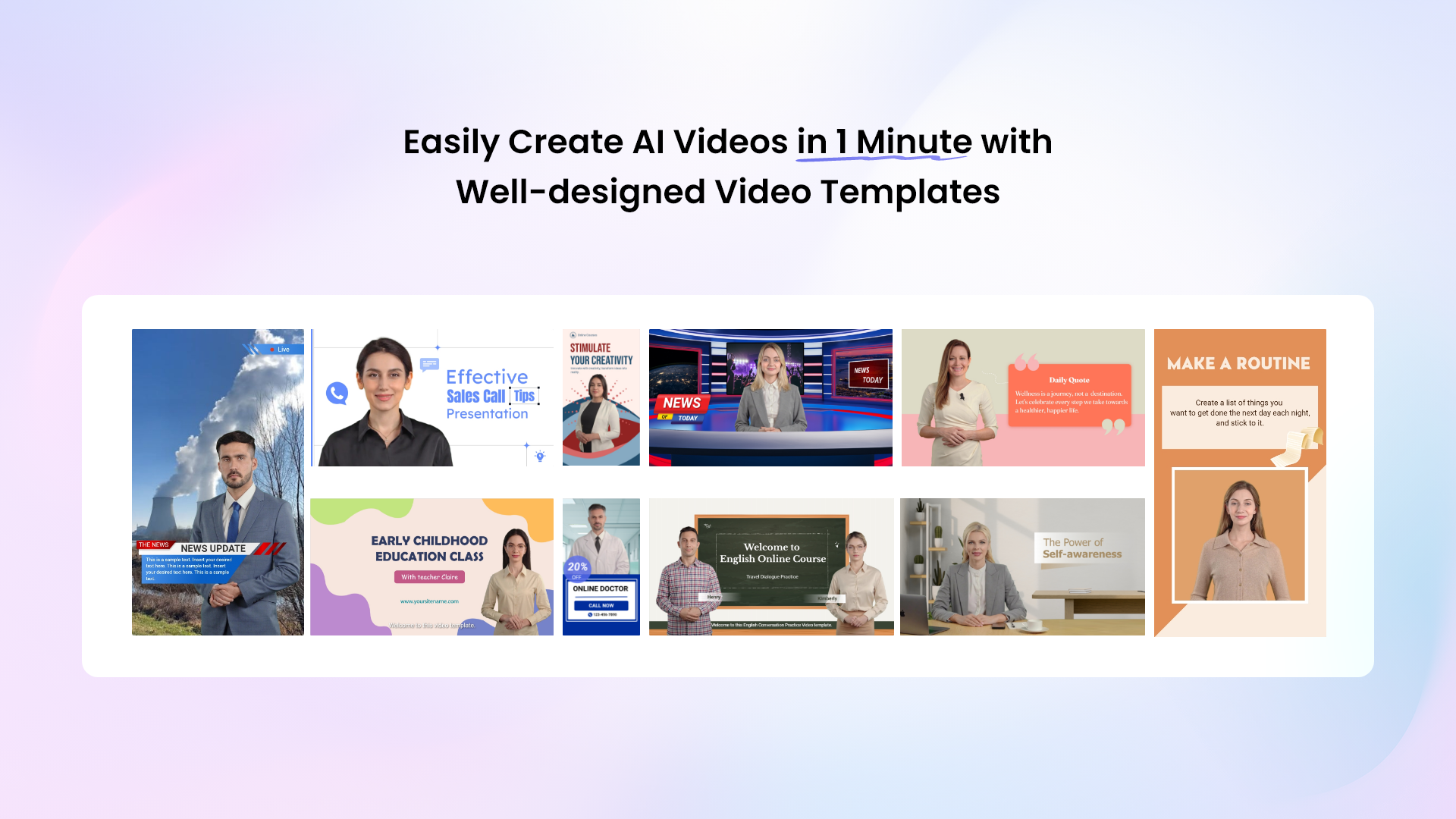
Starting a video from a blank screen wastes valuable time. Vidnoz AI removes that friction with 2800+ ready-made video templates built for education and learning.
This can also help education teams build a consistent grammar-learning series. For example, a content team could create one template for “Grammar in 60 Seconds,” another for sentence correction exercises, and another for multiple-choice grammar quizzes. Once the visual format is established, the team only needs to replace the grammar examples and explanations, making it much faster to produce a large library of lessons.
Fast, Studio-Free Production
Traditional filming needs cameras, lighting, and hired talent. Vidnoz AI removes all three, letting creators build professional videos up to 200% faster inside a browser.
This speed compounds over time. A task that once took a full production day now takes minutes, freeing teachers to plan the next ten videos instead of just one. Each user can receive 30 credits daily for free video creation.
How to Create a Video with Vidnoz AI in 4 Steps
Producing a video with Vidnoz AI Video Generator takes four simple steps. This workflow is the core reason education teams can scale output so quickly.
Step 1: Choose a Template & Avatar:
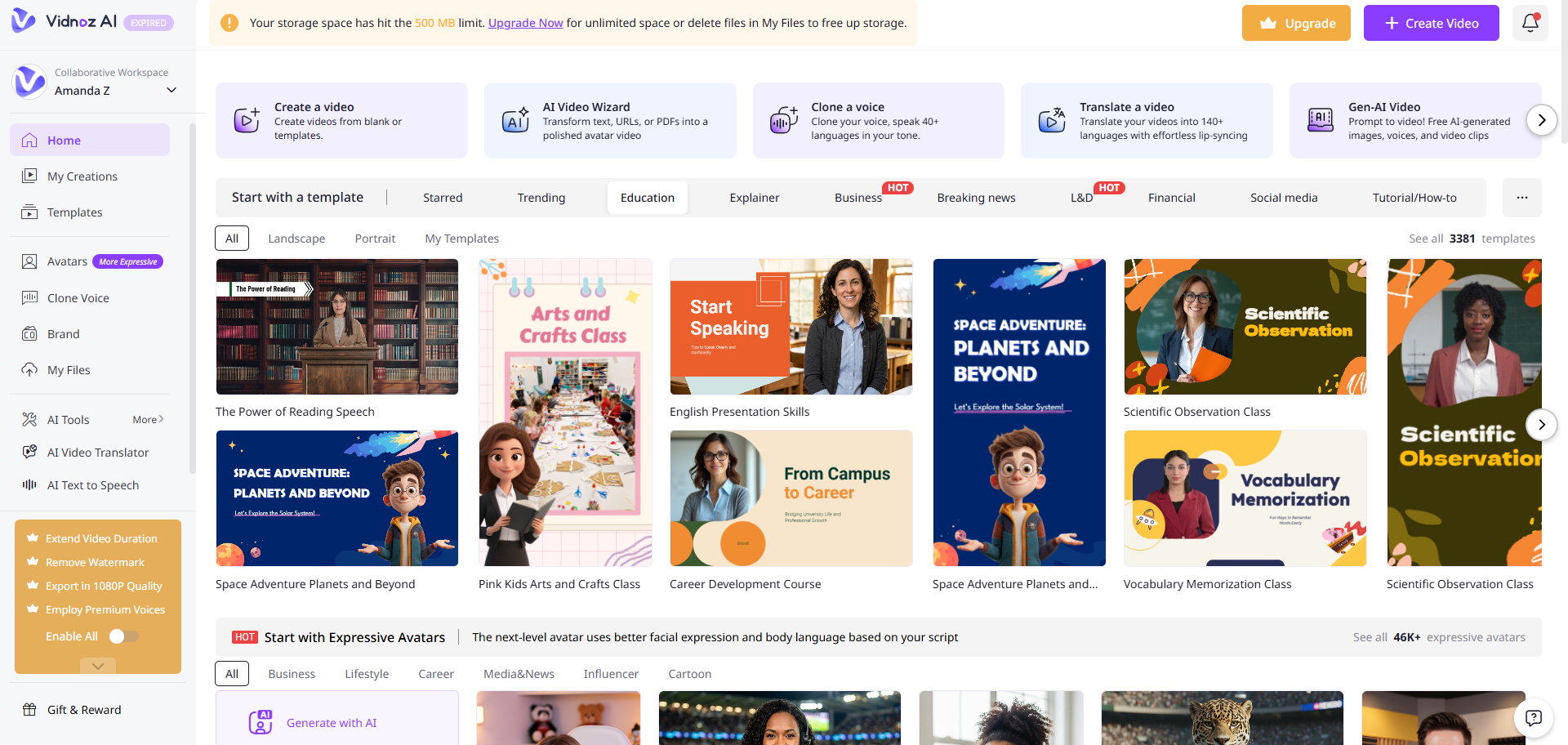
Firstly, log in and look for the template library. Select "Education" from the template categories. After the template selection, now opt for an AI teacher that goes with the tone of your class: calm, helpful, polite, etc whatever goes with your class goals.
Step 2: Create AI Voiceover:
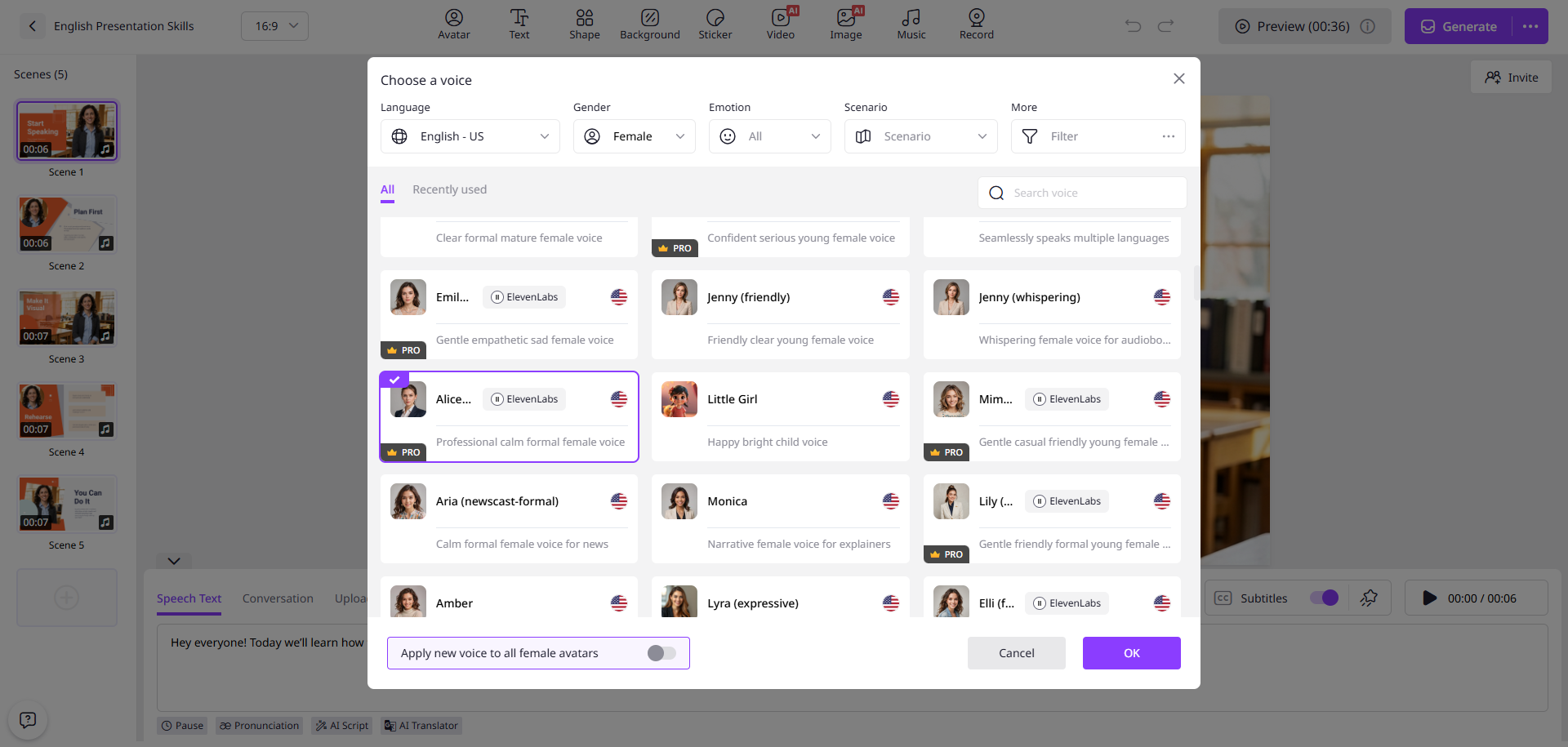
Write a clear script and choose a voiceover. Vidnoz AI has a full library of 2000+ options. Pick the language and tone that suits your class goals and what your students expect from you, and then let AI sync the voice to your avatar automatically.
Step 3: Add a Custom Touch:
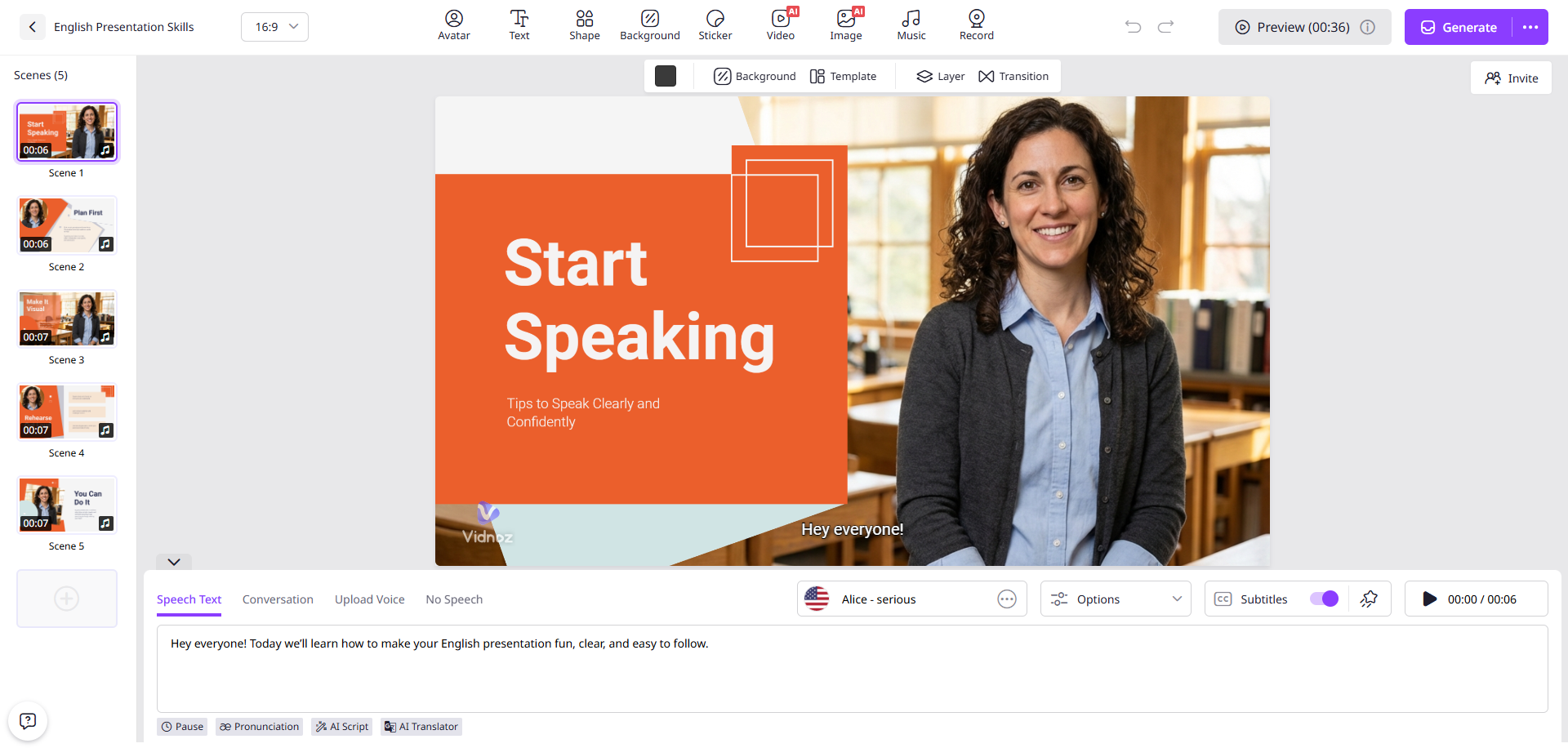
Generic videos are less likely to perform. Therefore, add some personalization to your video. You can add your school logos, any specific music, and text overlays. Try to keep the clips short, as they best suit the goal of viewer attention.
Step 4: Generate AI Video and Share:
Now click the generate button, and your video will be ready in seconds. Download it in HD and share it through email, social channels, or your school's website.
Getting Started with Vidnoz AI
Ready to make a grammar teaching video? Visit Vidnoz AI and create a free account today. Every user gets a daily quota to test ideas before committing to a paid plan.
Pick a template, write a short script, and generate your first video in minutes. From there, you can scale to ten or a hundred videos, and it becomes a repeatable process, not a production challenge.
